
Inking Erudus is a new series that looks behind the tools, and techniques that I use and explore for my fantasy tales. Today’s series deals with creating a visual picture for a location.
Inkarnate - What is it?
Inkarnate is a fantasy map online application. It is used to create images ranging from planets to battle ranges. The application is used often to create DND and other fantasy maps.
You can use Inkarnate in your browser, or on a downloadable app.
Inkarnate’s Cost
As of the current date Inkarnate comes in three price ranges
Free - Allows 3 maps per month, a limited amount of images and resources to add to your map, and is for personal use only. This is the account I have used in the past.
7.99/month - Allows 100 maps per month, 30000 art assets , larger exporting files, and 100 custom assets. It is for personal use only.
14.99/ month - Allows commerical use - You can create unlimited maps, has even larger size for exporting files and 10000 custom assets.
What is the apps characteristics?
I won’t go into depth on how to use Inkarnate as it will take to much time. Instead, I will describe the application. Inkaranate allows you to pick from several precreated backgrounds and styles. I used a fantasy theme. You than can pick small images to add to the larger background. Once the image is in place, you can change the color, flip it, resize it, zoom it, or move it.
By adding and layering multiple different images you create a custom map for your world. I worked on a map for a continent I was thinking of creating for my novels.
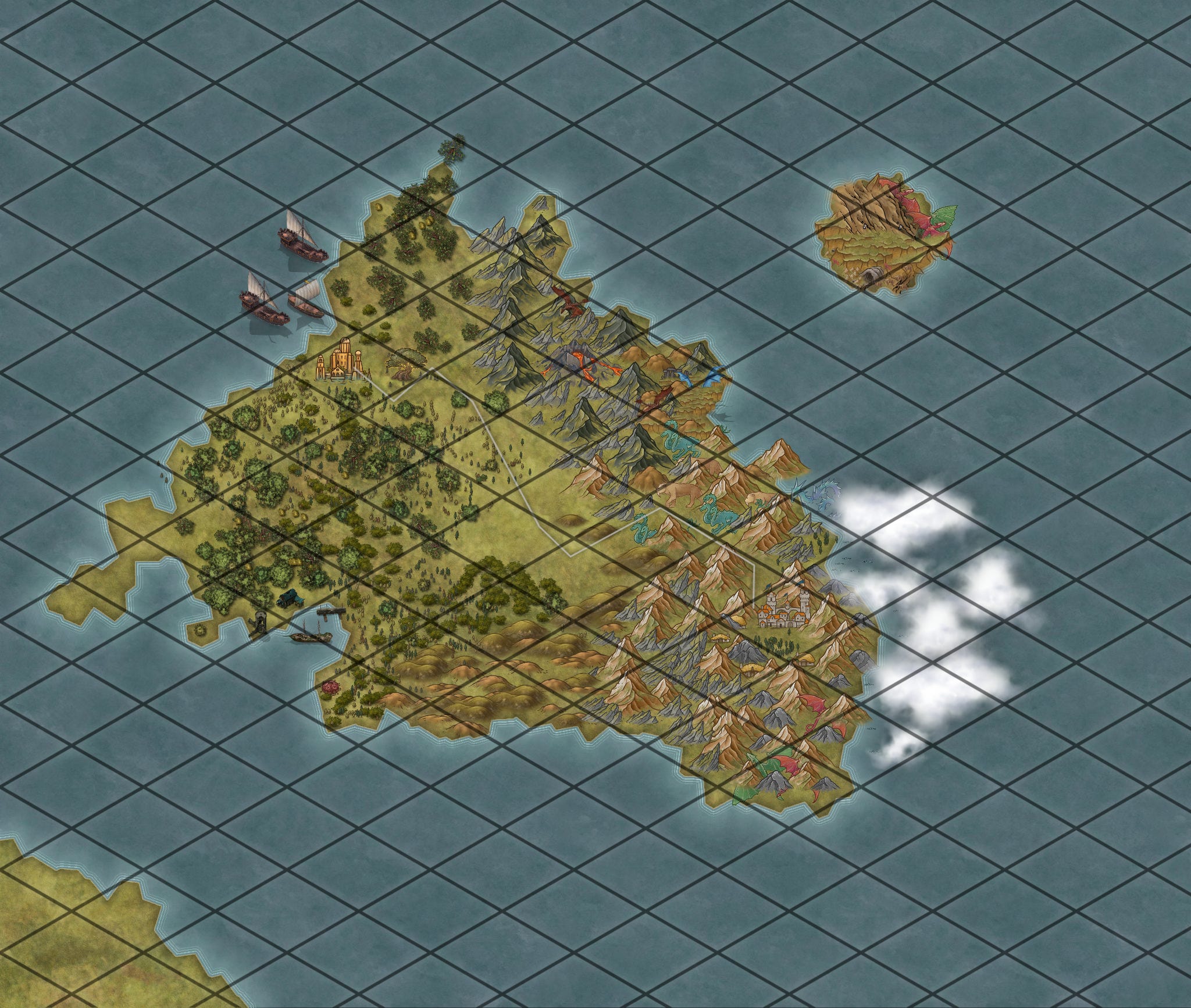
The image. of the contintent Ayr is pictured above. The map needs more work, but with time and patience, I could create a more textured image
The image below is part of the image zoomed in.
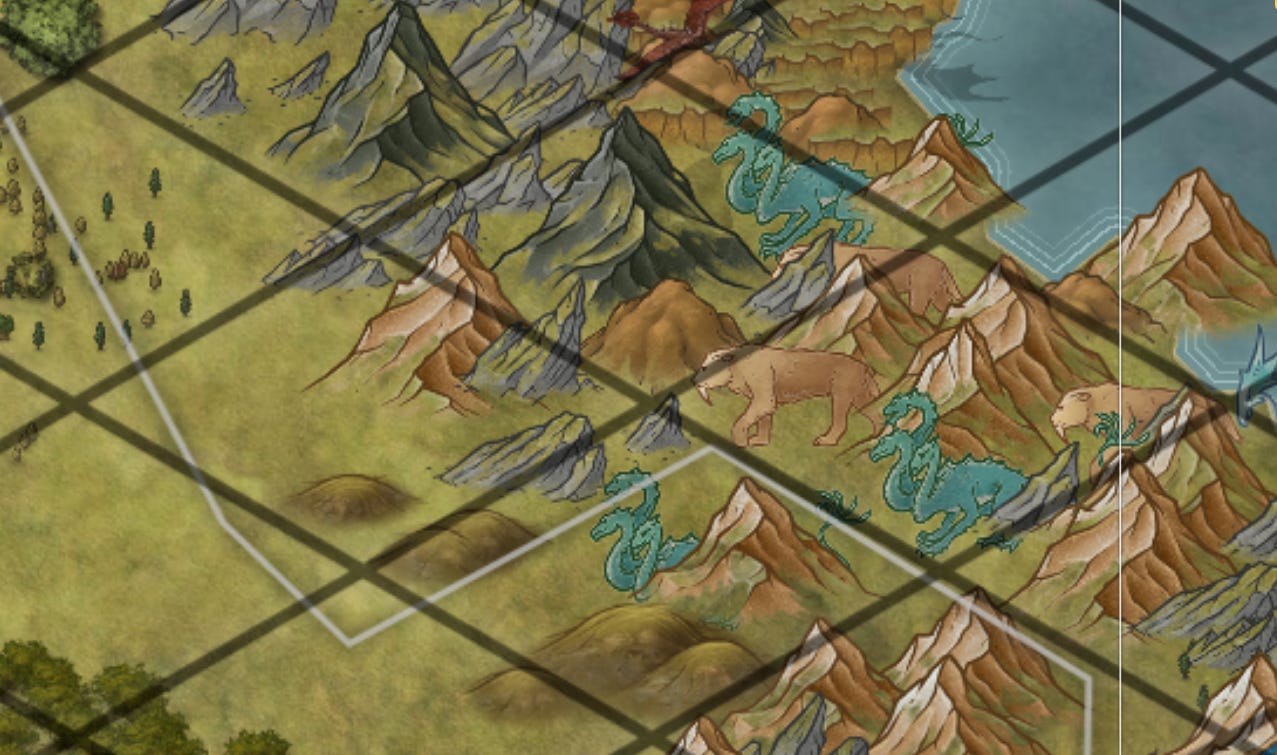
When you have finished creating the map you can remove the grid.
How do I use it?
I use it occasionally as a method of getting my directions correct when I am writing. The map allows me to quickly assess how something is related to another. It also allows me to double check that I have not added monuments, or landscape features, that are not in the story.
My impression
Personally, I found that Inkarnate takes way too much time to create a customized map for my world. While I admit that I am not an expert in the software, in order to create a detailed image of a unique location, you have to add items one at a time . As a visual reminder, I find that I can create a document much more quickly, and it works just ads well for me.
The software could be useful for others. There is a marketplace where you can shortcut the process by buying assets and maps that have already been populated. I have not tried it, but I imagine if you built on these maps you could build your world more quickly. If you purchased on of the paid versions, I expect it would be even better. For me it’s not worth it.
Your Turn
Have you ever used Inkarnate? What’s your impression?
Thanks for reading Spunky and Spellbound in the Snow! Subscribe for free to receive new posts and support my work.
Good-bye for now. I hope your weekend is filled with peace, laughter, and a little bit of magic.